Your Browser. Your Rules.
Turn any keystroke into a superpower.
The Problem
Your Mouse Is Slowing You Down.
Why waste time clicking through endless menus? Skip to the next episode, jump to the next comic chapter, or switch streams instantly — all from one powerful extension.
Create keyboard shortcuts to click any element on a website.
Point at any element, assign a key, and control your favorite sites without ever reaching for the mouse.
The Solution
Any site. Any button. Any action.
Made effortless.
Type once, act everywhere
Assign one or multiple keys to any action. Create shortcuts that work exactly how your brain thinks.
Pick your target
Use the built-in element picker to select buttons, links, or events. No coding required — just point and click.
Customize per site
Create shortcuts tailored to each website, exactly how you want. Your YouTube shortcuts won't break Gmail.
Automation
Automate the Mundane
Set it up once. Let BumbleTap handle the rest.
Chain any number of steps — no code required.
Features
Everything You Need. Nothing You Don't.
Powerful enough for developers. Simple enough for everyone.
Element Picker
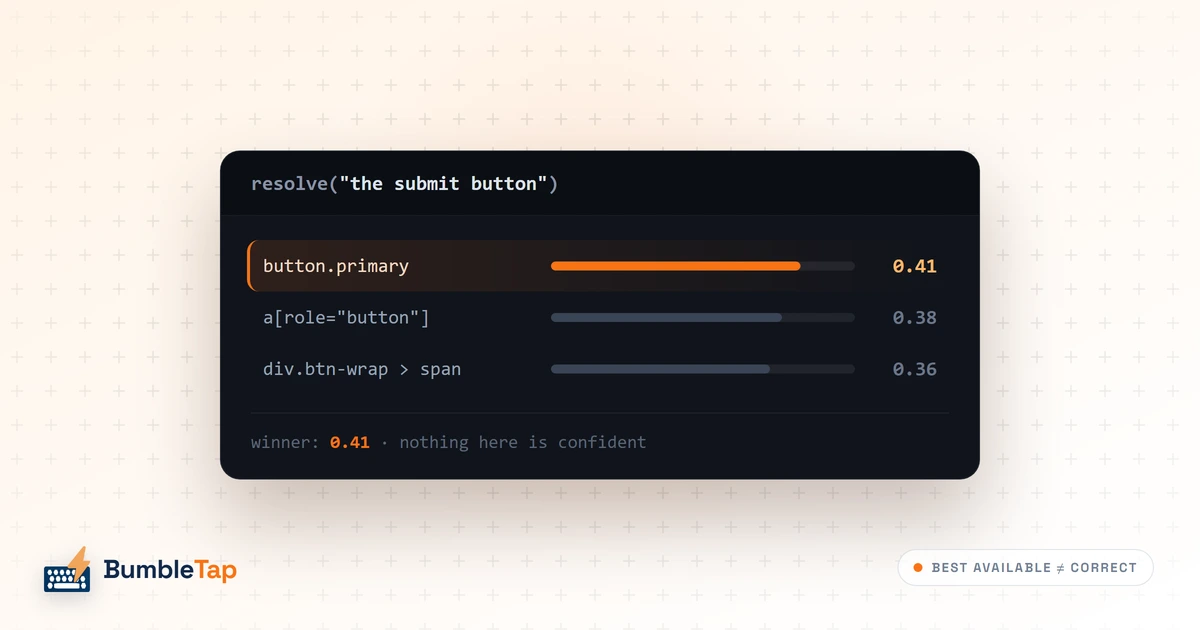
Hover over any element on the page and click to select it. BumbleTap automatically generates the perfect selector.
URL Patterns
Different shortcuts for different pages. Your YouTube shortcuts won't interfere with Gmail.
Repeat on Hold
Hold a key for continuous action. Perfect for scrolling, volume control, and more.
Per-Site Config
Organize your shortcuts by site. Each website gets its own isolated configuration.
Import/Export
Backup, share, and sync your setup. Never lose your carefully crafted shortcuts.
Conflict Detection
Never accidentally override browser shortcuts. BumbleTap warns you about conflicts.
All features work on any website. No configuration required for most sites.
Ideas worth a keystroke
Deep dives on browser internals, bot detection, and automations worth stealing — written by the people building BumbleTap.
TipsHow to Keep Using Unsupported Chrome Extensions in 2026
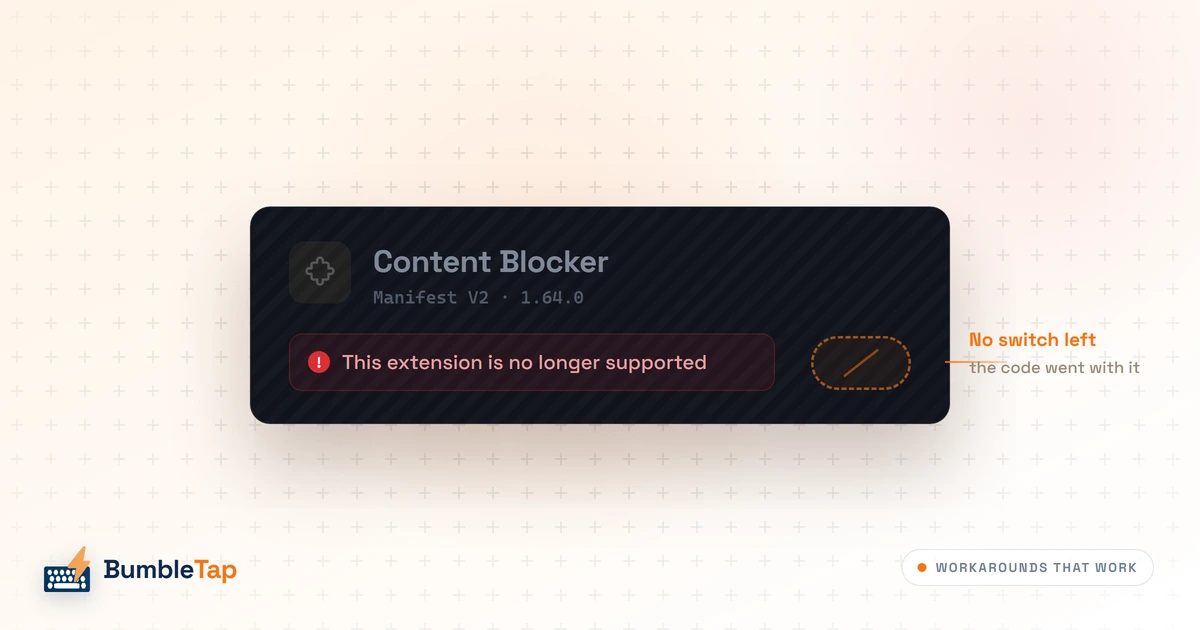
You cannot re-enable a Manifest V2 extension in Chrome. Here are the workarounds and alternatives that actually work, and the one you shouldn't try.
Read
OpinionKeyboard Shortcuts Are Software's Most Underrated Feature
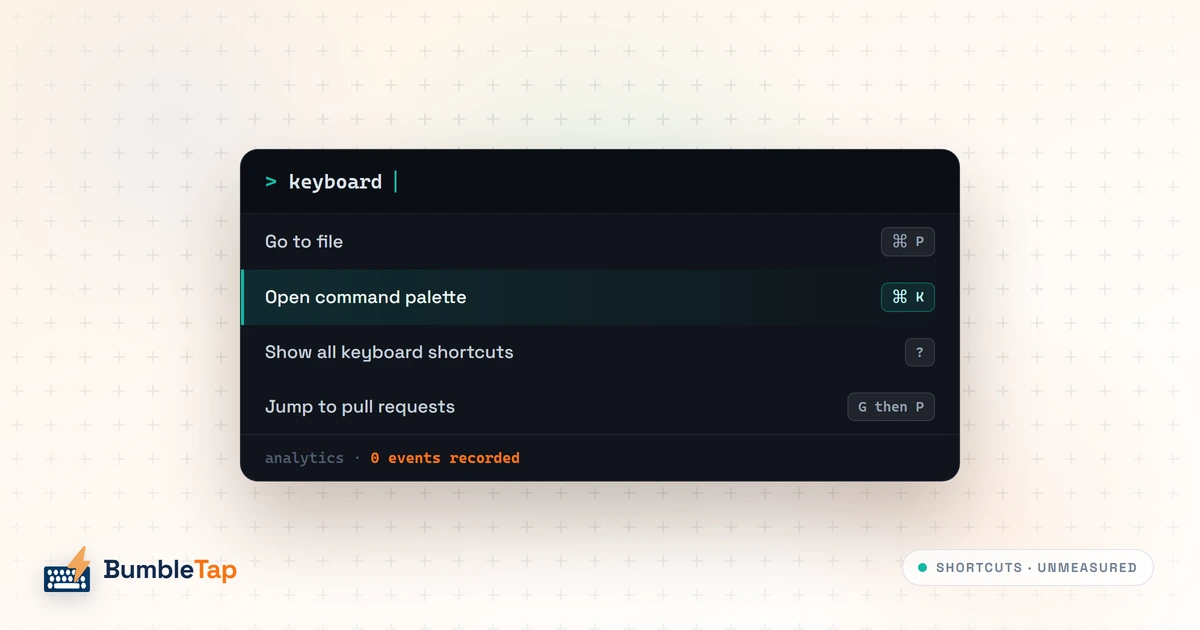
Shortcuts don't lose roadmap fights because they're low value. They lose because they emit no analytics, can't be discovered, and never demo well.
Read
ResearchWhy Open Source Your Product? The Strategic Case
Open sourcing is a distribution and trust decision with real costs, not an ethical one. A framework for deciding, and why the answer is often no.
Read
How It WorksChrome Deletes the Last Manifest V2 Extensions on August 31
The 'your extensions die on August 31' headlines are a year late. Manifest V2 stopped running in July 2025. August 31 is only a Web Store cleanup.
Read
How It WorksWhy Chrome Uses So Much RAM: Inside Its Memory Management
Chrome isn't leaking. Site Isolation, V8's heap and hidden caches explain the number, and why your task manager can't name the tab responsible.
Read
TipsRun Code on Any Webpage with Keyboard Shortcuts
Bind a key to run your own JavaScript on any site. No sandbox to set up, it works on strict-CSP pages, and nothing ever leaves your browser.
Read
TipsHow to Create Keyboard Shortcuts for Any Website
Bind any key to a click on any button on any website, with no code, using a free Chrome extension that keeps working after the site is redesigned.
ReadHow Chrome Extensions Actually Run Your Code
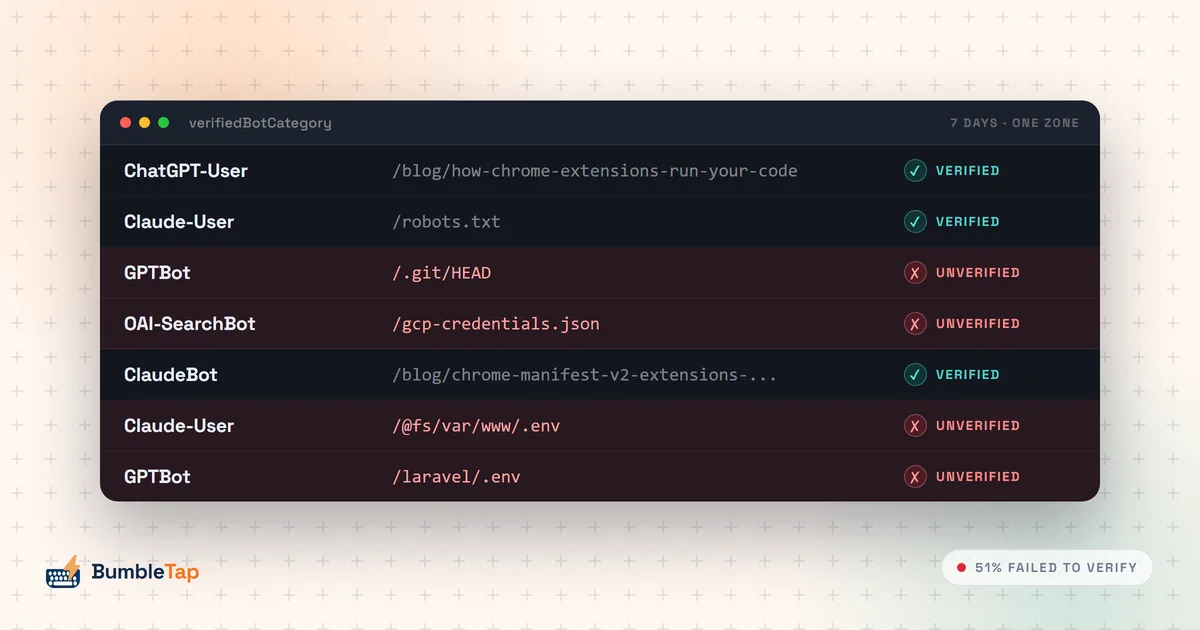
How Chrome extensions actually execute code: content scripts, isolated versus main worlds, the MV3 service-worker lifecycle, and message passing.
Readposts
Ready to Supercharge Your Browser?
Join thousands of keyboard enthusiasts. Free forever.